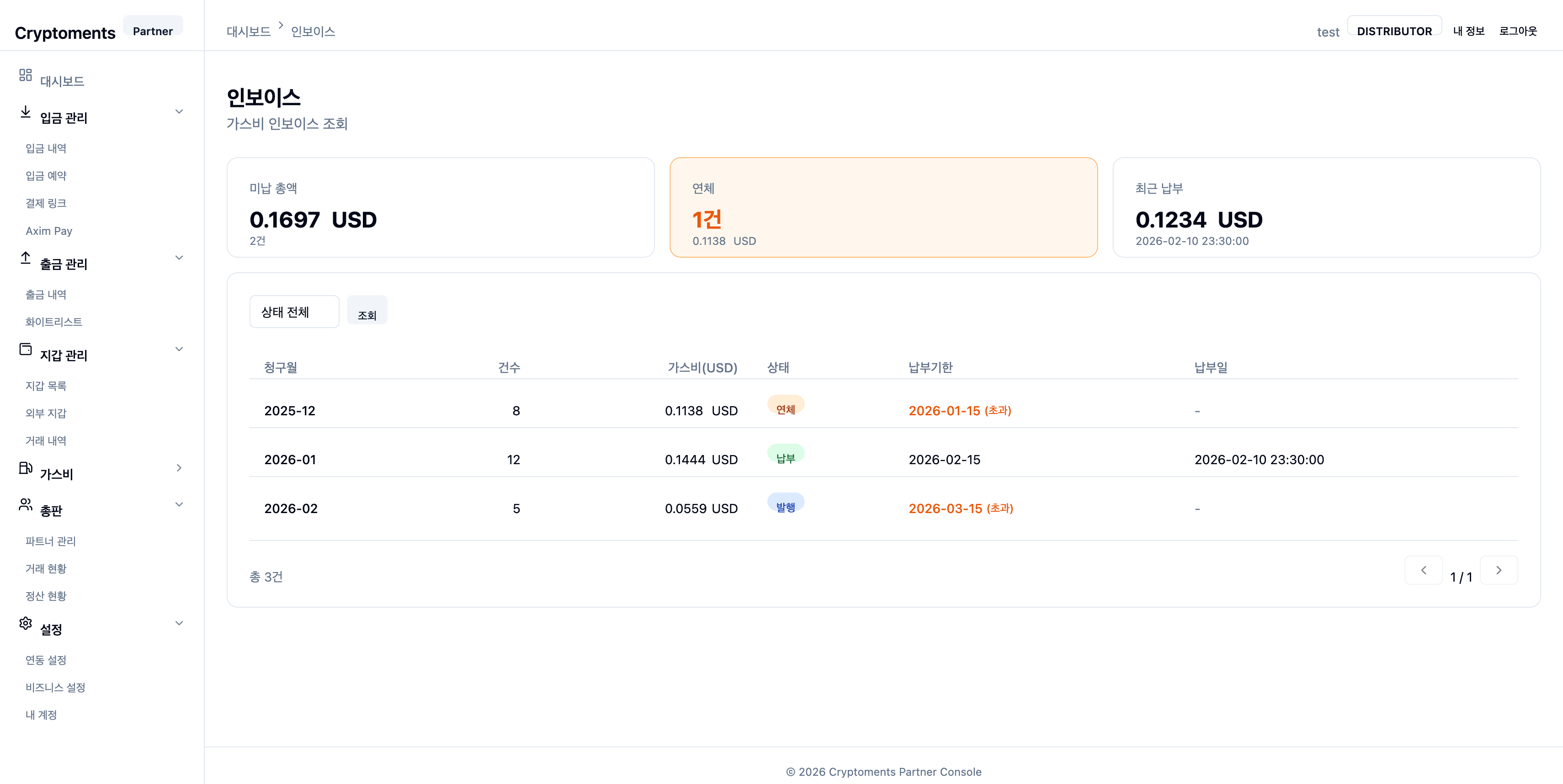
9.1 Integrations
Manage the API keys, Webhooks, Telegram, and Axim Pay integration settings.
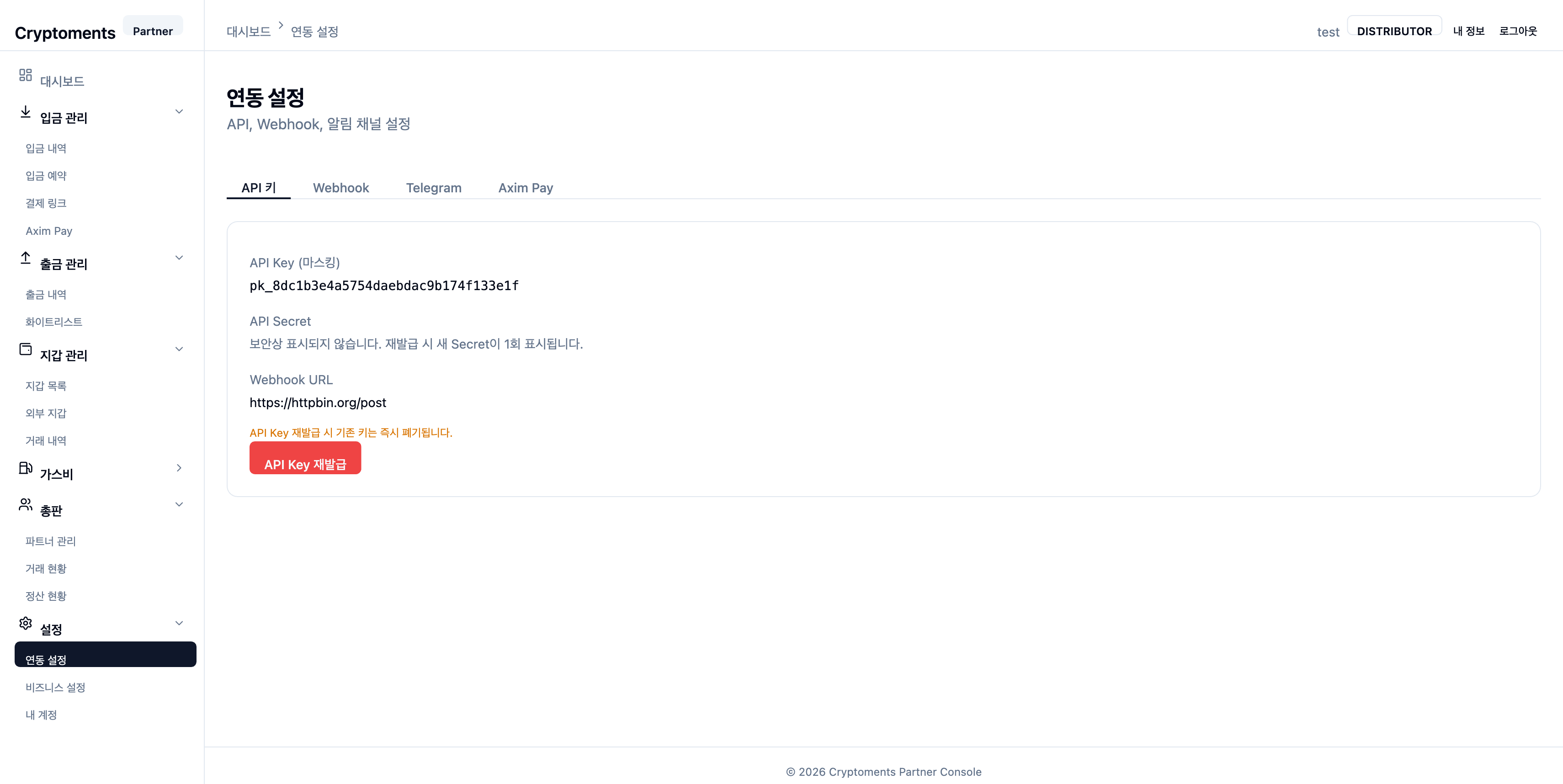
Integrations — settings under the API Keys, Webhook, Telegram, and Axim Pay tabs
API Keys
View your partner API Key and Secret under the API Keys tab.
🔒
Security warning: Never expose your API Key and Secret. The Secret is shown only at issuance time and cannot be retrieved afterwards.
Webhook Settings
Set the callback URL for deposit/withdrawal events under the Webhook tab.
Events such as deposit confirmation and withdrawal completion are delivered in real time to the configured URL. This is required when integrating via the API.
✅
Test delivery: After setting the Webhook URL, use the "Send Test" button to verify your endpoint receives events correctly.
Telegram Notifications
Configure the Telegram bot notifications under the Telegram tab.
1
Connect the Telegram bot
Click the displayed bot ID @CryptomentsBot, or search for the bot in the Telegram app.
2
Activate the bot
In Telegram, send the /start or /verify command.
3
Confirm notifications
Once verified, the console state changes to ON. Use the "Send Test" button to confirm.
Supported notification types:
| Notification type | Description |
|---|
| Deposit detected (DEPOSIT_DETECTED) | When a deposit TX is detected on-chain (awaiting block confirmation) |
| Deposit confirmed (DEPOSIT_CONFIRMED) | When the deposit is confirmed on-chain |
| Large deposit (LARGE_DEPOSIT) | When a deposit exceeds the configured threshold |
| Withdrawal requested (WITHDRAWAL_REQUESTED) | When a new withdrawal request is received |
| Withdrawal approved (WITHDRAWAL_APPROVED) | When a withdrawal request is approved |
| Withdrawal rejected (WITHDRAWAL_REJECTED) | When a withdrawal request is rejected by an administrator |
| Withdrawal completed (WITHDRAWAL_CONFIRMED) | When a withdrawal is confirmed on-chain |
| Withdrawal failed (WITHDRAWAL_FAILED) | When an error occurs during withdrawal processing |
| Withdrawal cancelled (WITHDRAWAL_CANCELLED) | When a withdrawal request is cancelled |
⚠️
Operational recommendation: For stable operation and fast incident response, keep Telegram bot notifications ON. Insufficient-balance and low-gas alerts in particular are essential to prevent withdrawal-service outages.
Axim Pay
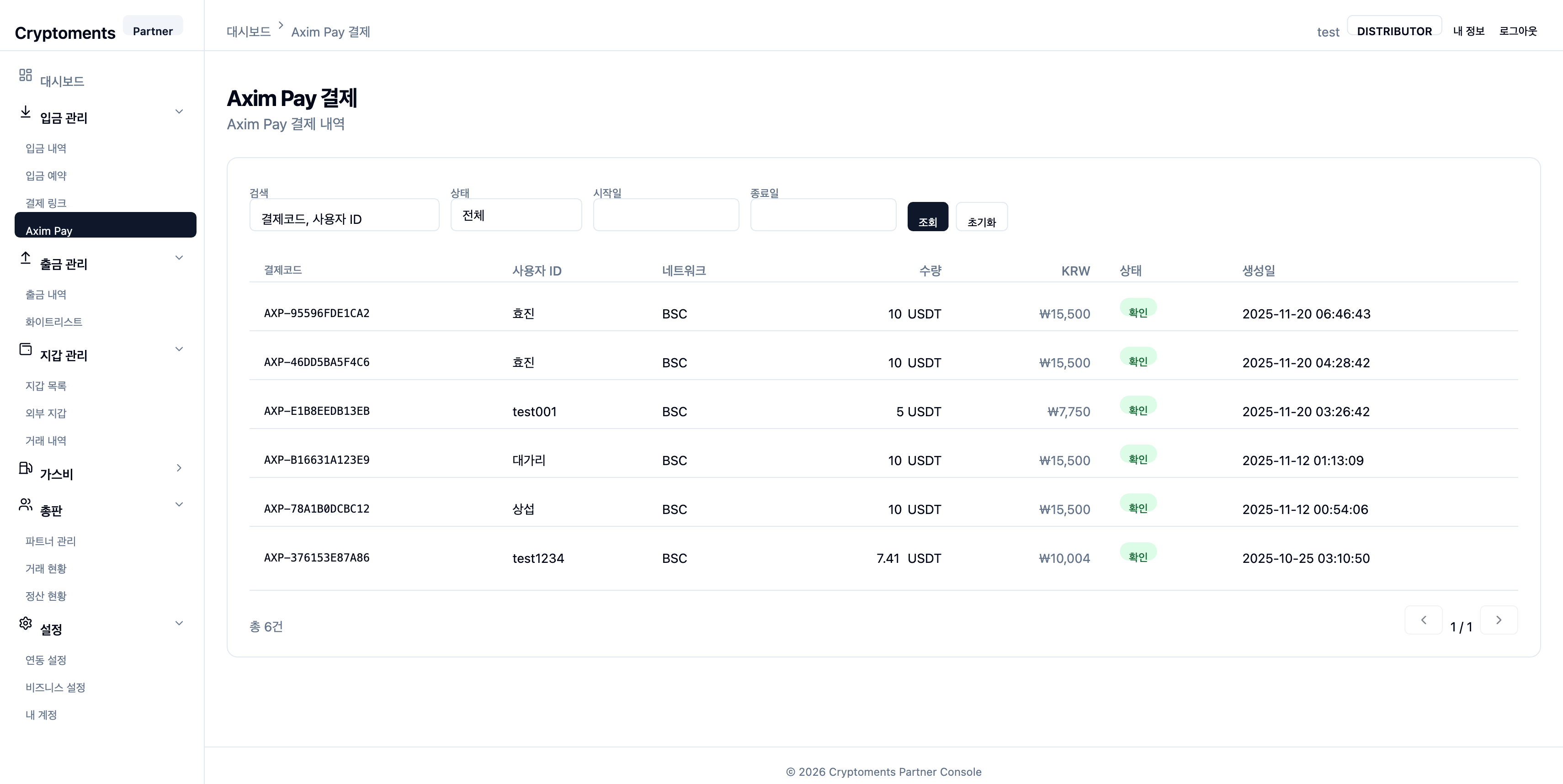
Configure the Axim Pay payment integration under the Axim Pay tab. Shown only to partners with Axim Pay enabled.
9.2 Business Settings
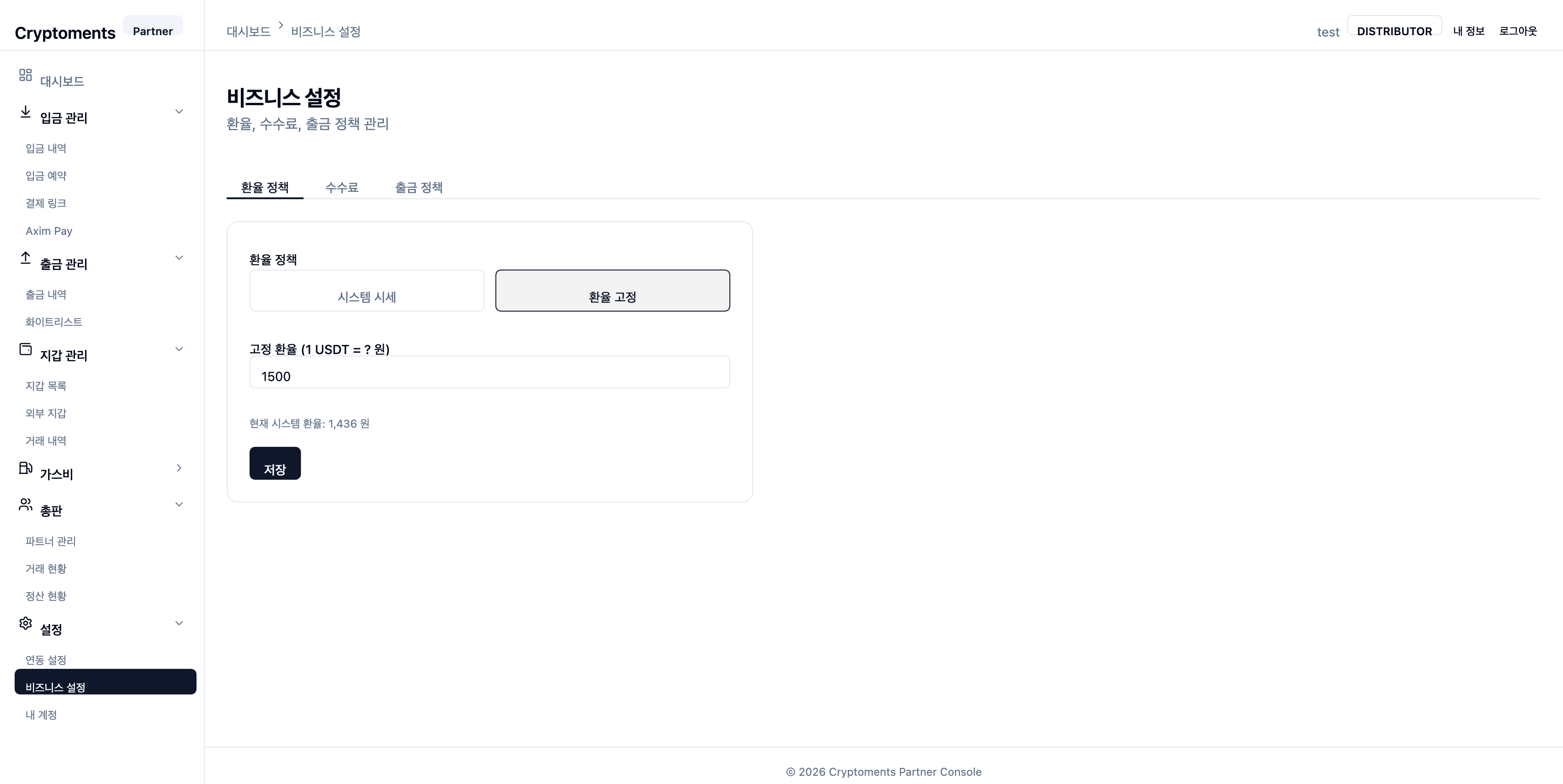
FX Policy
Configure how KRW exchange rates are displayed under the FX Policy tab.
- Live market rate — Apply Bithumb's live market rate automatically.
- Manual — Set the rate yourself.
Fee Settings
Review your deposit fee rates under the Fees tab.
Withdrawal Policy
Configure withdrawal approval behavior under the Withdrawal Policy tab.
| Mode | Description |
|---|
| Auto approval | All withdrawal requests are processed automatically. |
| Conditional manual approval | Only withdrawals above the configured USDT threshold require manual approval. |
💡
Security recommendation: We strongly recommend "Conditional manual approval" mode to prevent large-withdrawal incidents.
9.3 My Account
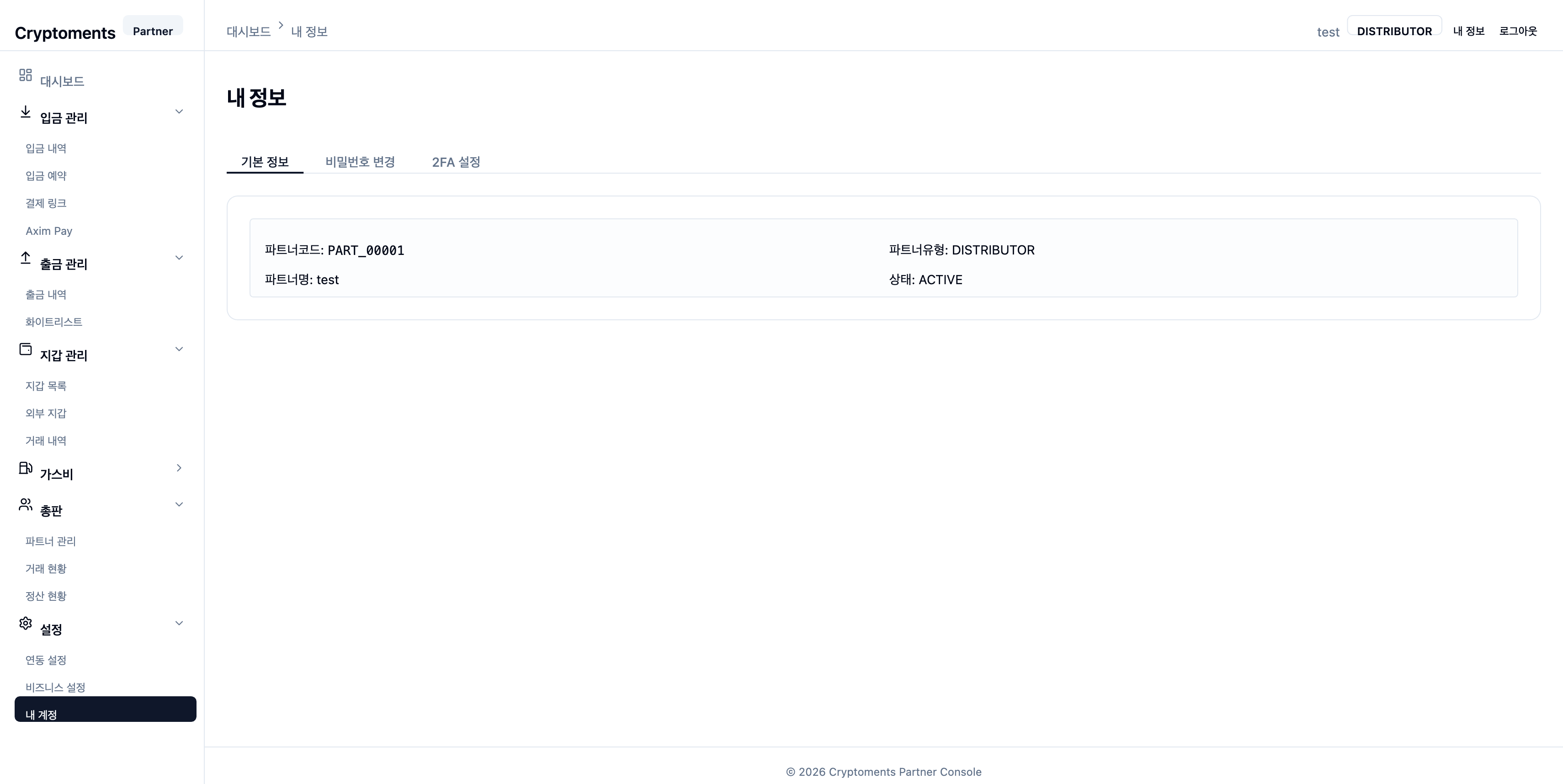
Basic Info
View basic account info — partner code, type (merchant/distributor), partner name, status, and so on.
Change Password
Change your password by entering the current password and a new one. Passwords must contain 8+ characters, mixing letters, digits, and special characters. OTP authentication is required.
2FA Settings
Manage enable/disable of 2FA (OTP). See 2.2 2FA Setup for detailed setup steps.